At an airport or grocery-store Starbucks, ask whether that register accepts Apple Pay and participates in Rewards before you order. For a mobile order, see how payment works in the app.
Does Starbucks Take Apple Pay in 2026?
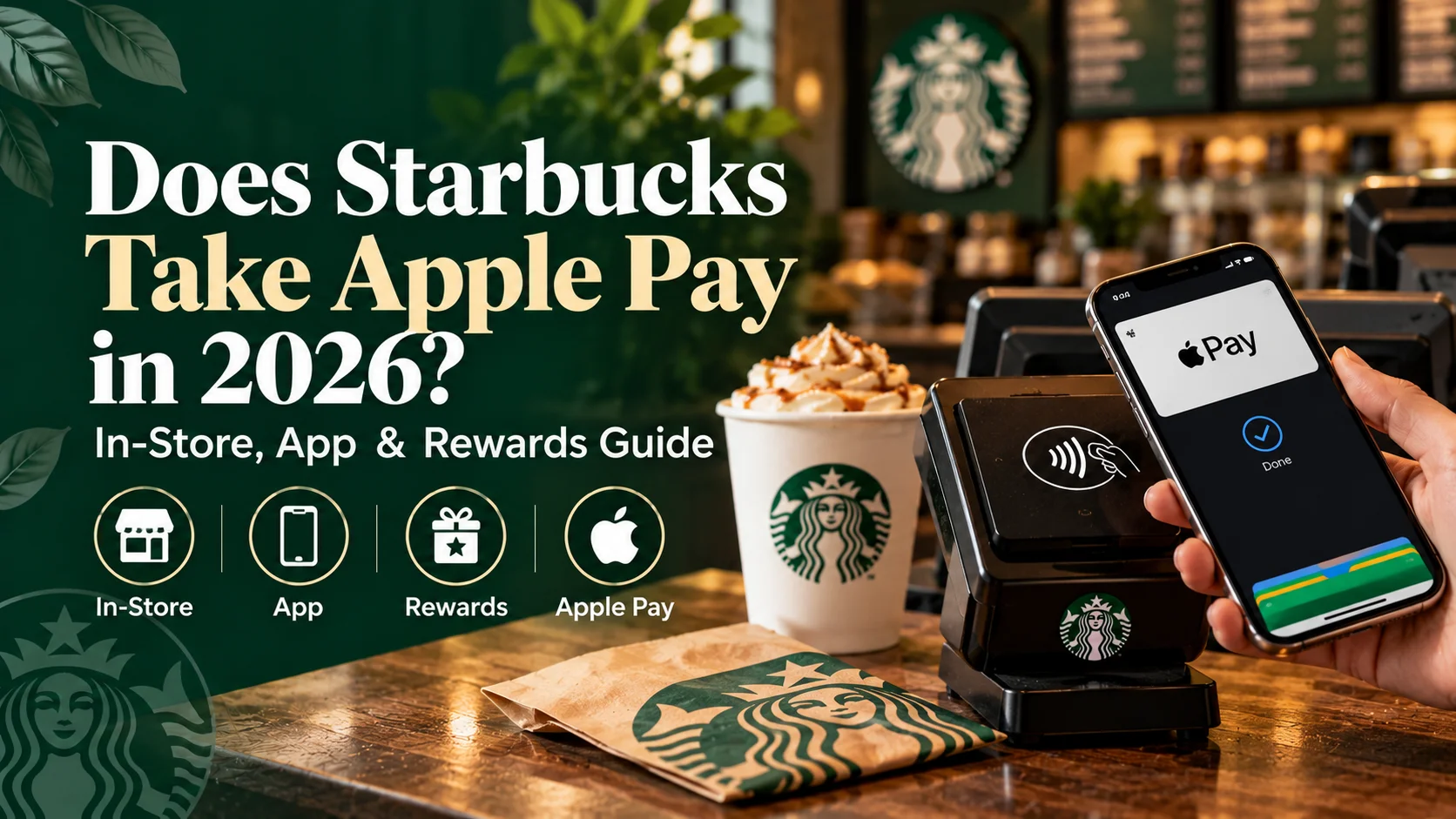
Yes, Starbucks supports Apple Pay in supported contactless and digital payment flows. In a café, Apple Pay works wherever the payment terminal is enabled for compatible contactless cards and mobile wallets. Starbucks also allows mobile-wallet payments through supported Starbucks app payment flows, while its current gift-card tools list Apple Pay as one way to reload a Starbucks Card.
The main caveat is store type. A company-operated Starbucks and a licensed Starbucks counter inside an airport, grocery store, hotel or bookstore can use different payment hardware and policies. If Apple Pay is essential for the visit, look for the contactless symbol at the terminal or keep a backup payment method available.
Can You Use Apple Pay In-Store and at the Starbucks Drive-Thru?
At a Starbucks café with a contactless-enabled terminal, Apple Pay can be used in the same general way as other tap-to-pay mobile wallets. Select the card in Apple Wallet, authenticate with Face ID, Touch ID or your device passcode, then hold the iPhone or Apple Watch near the contactless reader.
Drive-thru use depends on the store’s payment setup. Many Starbucks drive-thru locations use the same contactless-capable payment system as the café, but the exact terminal can vary by location. If a drive-thru window cannot accept contactless payment, the Starbucks app or a physical card can be a useful fallback.
If you are planning around a specific store or time, the Starbucks Hours Guide can help with visit timing.
Can You Use Apple Pay in the Starbucks App?
Starbucks’ current mobile terms allow customers to pay through the app using a digital Starbucks Card, credit card, debit card or mobile wallet in supported markets and stores. This means Apple Pay can fit into Starbucks mobile-payment workflows when it is offered as the available mobile wallet on your device and checkout screen.
The exact payment methods shown inside the app can change by account, device, store and ordering flow. Mobile Order & Pay is separate from delivery, and a payment option that appears for pickup may not appear in another Starbucks transaction type.
For regular customers, the app is useful because it keeps ordering, payment and Rewards activity together rather than treating payment as a completely separate transaction. If you are deciding what to order before checkout, the Starbucks Drinks Menu gives a broader view of current drink categories.
Do You Earn Starbucks Rewards Stars When Paying with Apple Pay?
Yes, but the transaction needs to be connected to your Starbucks Rewards account. Current 2026 Rewards terms allow members to earn Stars on qualifying purchases when they pay through the Starbucks app with a linked mobile wallet, or when they scan their member barcode in the app first and then pay with a mobile wallet such as Apple Pay. For the full earning and redemption rules, see the Starbucks Rewards Guide.
| Payment Flow | Can It Earn Stars? | What to Do |
|---|---|---|
| Apple Pay after scanning Rewards barcode | Yes, at participating stores | Scan your member barcode before paying |
| Linked mobile wallet through Starbucks app | Yes, on qualifying purchases | Stay signed in to your Rewards account |
| Apple Pay without identifying your Rewards account | Not reliably | Scan first if you want Stars |
| Starbucks Delivery paid with Apple Pay | No, currently | Delivery orders are not currently eligible for Stars |
Some participating locations have more limited Rewards-payment support, especially licensed stores. If Stars matter to you, the safest habit is simple: open the Starbucks app, scan your member barcode, then pay with Apple Pay.
For the current Green, Gold and Reserve structure, see the Starbucks Rewards Guide.
Can You Use Apple Pay to Reload a Starbucks Card?
Yes. Starbucks’ current card-management help lists Apple Pay as one of the supported ways to reload a Starbucks Card through digital Starbucks tools. This creates a different payment path from tapping Apple Pay directly at the register: you first add money to the Starbucks Card, then use the Starbucks Card balance for later purchases.
In 2026, qualifying digital Starbucks Card reloads can also earn a separate reload Bonus Star benefit. That bonus is attached to the qualifying digital reload, not to Apple Pay specifically, and ordinary Starbucks Card reload value does not earn normal purchase Stars simply because funds were added.
The Starbucks Gift Card Guide explains current reload amounts, balance limits, expiration, lost-card protection and the 2026 digital reload Bonus Star rules.
Can You Use Apple Pay for Starbucks Delivery?
Yes, Starbucks currently lists Apple Pay as a payment option for delivery orders in supported U.S. delivery flows, alongside credit and debit cards and, on some platforms, Venmo. Delivery payment is handled through the platform used to place the order.
There is an important Rewards difference: Starbucks currently says delivery orders are not eligible for Starbucks Rewards benefits or Stars. So Apple Pay may work for delivery payment, but the transaction should not be treated the same way as a qualifying in-store or Mobile Order & Pay purchase.
Apple Pay vs Starbucks Card: Which Is Better?
| Option | Best For | Main Advantage |
|---|---|---|
| Apple Pay at checkout | Fast contactless payment | No need to handle a physical bank card |
| Apple Pay + Rewards barcode | Contactless payment while earning Stars | Keeps bank-card payment and Rewards connected |
| Starbucks Card in app | Frequent Starbucks customers | Stored value, card management and Starbucks-specific account tools |
| Apple Pay reload to Starbucks Card | Customers who prefer stored value | Uses Apple Pay to fund the Starbucks Card first |
There is no universal winner. Apple Pay is usually simpler for an occasional visit, while a registered Starbucks Card can be useful for customers who actively manage stored value and Starbucks-specific card features. Frequent customers can also combine the two by using Apple Pay to reload a Starbucks Card.
Do Licensed Starbucks Locations Accept Apple Pay?
Not always. Starbucks locations inside airports, grocery stores, hotels, bookstores and other third-party venues may be licensed rather than company-operated. Those stores can use the host business’s point-of-sale hardware and payment policies, so Apple Pay availability can differ from a typical standalone Starbucks café.
The same issue can affect Rewards earning. Starbucks notes that some participating stores may only be able to award Stars for Starbucks Card transactions rather than cash, credit, debit or mobile-wallet payments. If you are at a licensed location and both Apple Pay and Stars matter, ask before completing the transaction.
What to Do If Apple Pay Does Not Work at Starbucks
First, check whether the contactless symbol is visible on the payment terminal and whether the card selected in Apple Wallet is active. Apple Pay also requires a supported card from a participating issuer. If the phone payment fails, try another card in Apple Wallet or use a physical card, Starbucks Card or another payment method accepted by that location.
If Apple Pay is missing inside the Starbucks app, check whether you are in the correct payment flow and whether your app and device software are current. Payment methods can differ between Mobile Order & Pay, Starbucks Card reloads and delivery.
If the issue is about earning Stars rather than the payment itself, make sure you scanned your Starbucks Rewards barcode or paid through a Rewards-linked app flow before assuming the transaction will be attached to your account.
Frequently Asked Questions About Starbucks Apple Pay
Does Starbucks take Apple Pay?
Yes. Starbucks supports Apple Pay in supported contactless and digital payment contexts, although exact acceptance can vary by location and payment flow.
Can I use Apple Pay at the Starbucks drive-thru?
At drive-thru locations with contactless-capable payment hardware, Apple Pay can generally be used. Licensed locations or individual terminals can differ.
Can I use Apple Pay in the Starbucks app?
Starbucks mobile terms support mobile-wallet payment through the app in supported markets and ordering flows. The exact options shown can vary by device, account and store.
Do I earn Stars if I pay with Apple Pay?
You can earn Stars on qualifying purchases if the transaction is linked to your Rewards account, such as by scanning your member barcode first or paying through the app with a linked mobile wallet.
Can I reload a Starbucks Card with Apple Pay?
Yes. Starbucks currently lists Apple Pay as one of the supported digital reload methods for Starbucks Cards.
Can I pay for Starbucks Delivery with Apple Pay?
Yes, Apple Pay is currently accepted in supported Starbucks delivery flows. Delivery orders, however, are not currently eligible for Starbucks Rewards Stars.
Does every Starbucks location accept Apple Pay?
No guarantee applies to every Starbucks-branded location. Licensed cafés can use different payment systems, so acceptance can vary.
Do I need the Starbucks app to use Apple Pay?
No for a normal contactless terminal payment. You do need the Starbucks app if you want to scan your Rewards barcode or use an app-based Starbucks payment flow.